Projects
This is where you can manage all the projects you want to display on the site. Visit the page directly here. To re-arrange them, go to Project -> Reorder.
Fields
-
Agency
The “Agency” field that shows up when the user mouse-over the Project card. -
Client
The “Client” field that shows up when the user mouse-over the Project card. -
Scope
The “Scope” field that shows up when the user mouse-over the Project card. This provides a list of items that you can add to the field, and if you want to add
If you want to add a new item into the list, click on the (+) button.
-
Featured Video
If you want to include a video that shows when the user mouse-over the Project card, upload it here. -
Fancybox Link
If you want the Project card to trigger a lightbox (a pop-up within the page), paste the url here. This should be a YouTube or Vimeo url. -
External Link
If you want the Project card to link out to an external page, paste the url here. -
Project Types
These are project types that will show up as a filter on the page.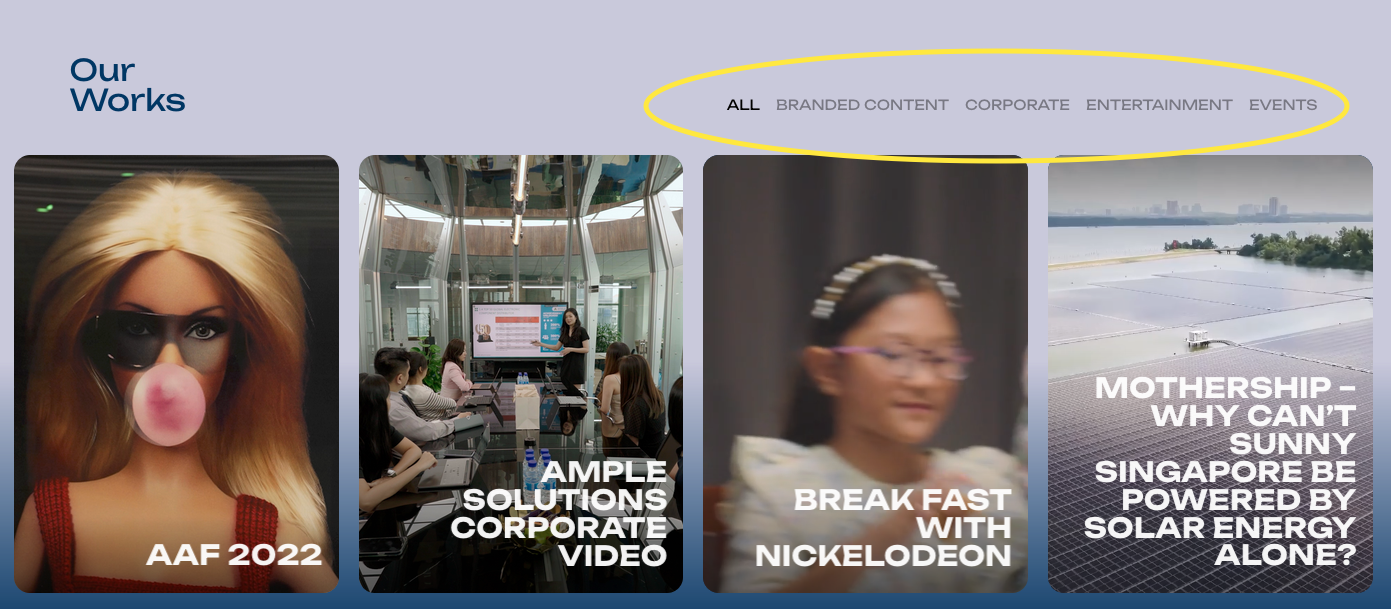

-
Featured Image
This is compulsory; this image will be the default image for the Project card.